



The complete guide
Choosing an Electric Stand Up Desk Frame, A Practical Buyer's Guide
The problem with buying a whole standing desk
Sit stand desks sold as complete units force a compromise. You can usually get the height range right, or the surface right, but rarely both at a price that makes sense. The tops that come bundled with cheaper desks tend to be thin particle board with a printed finish, and they are the first part to look tired. Meanwhile, a lot of people already own a perfectly good tabletop, a door slab, a butcher block, or a desk they like the look of but cannot raise.
A frame-only approach fixes that. You buy the mechanism, which is the part that is genuinely hard to make well, and you supply the surface, which is the part you can source locally, build yourself, or simply reuse. The desk ends up matching your room rather than fighting it.
How an electric desk frame actually works
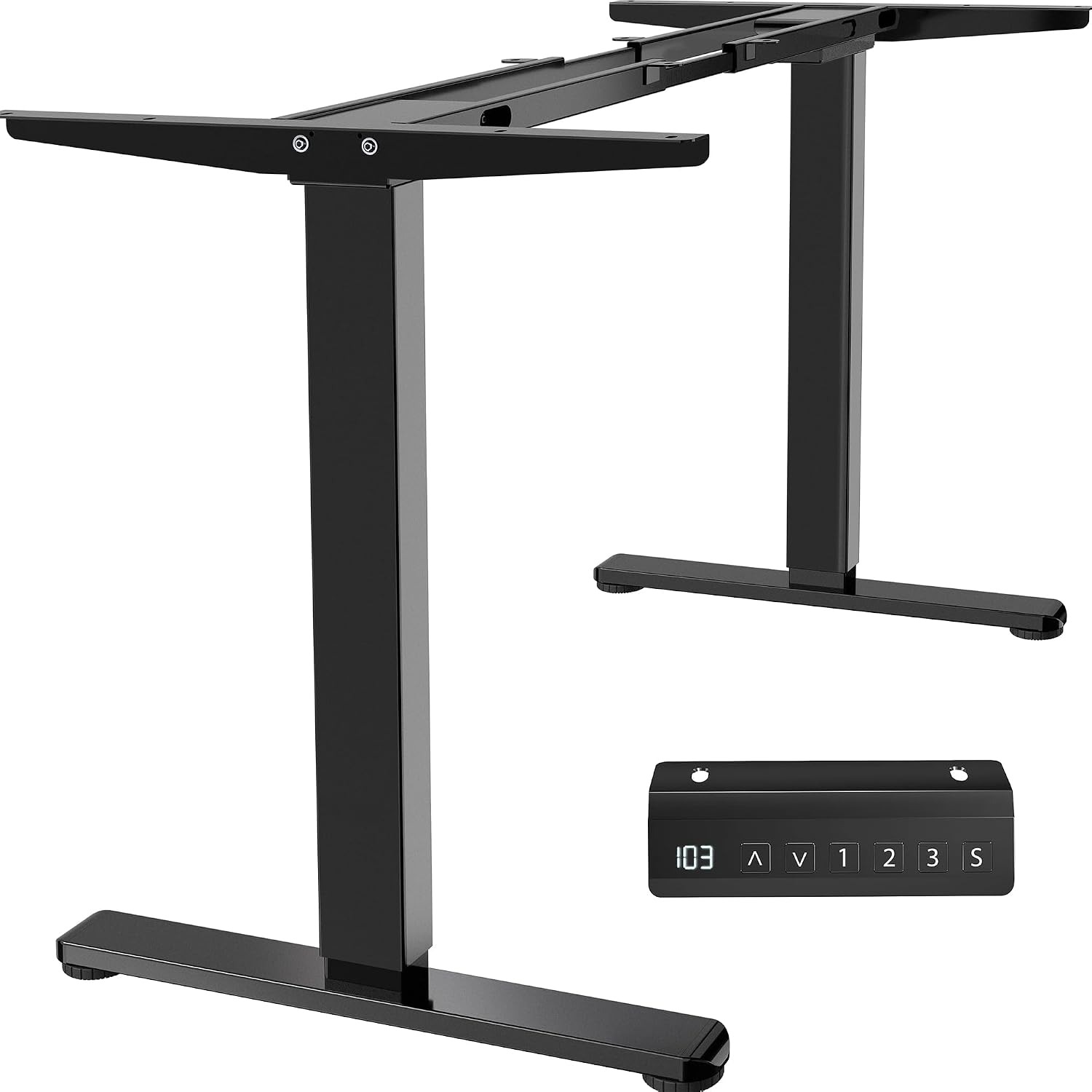
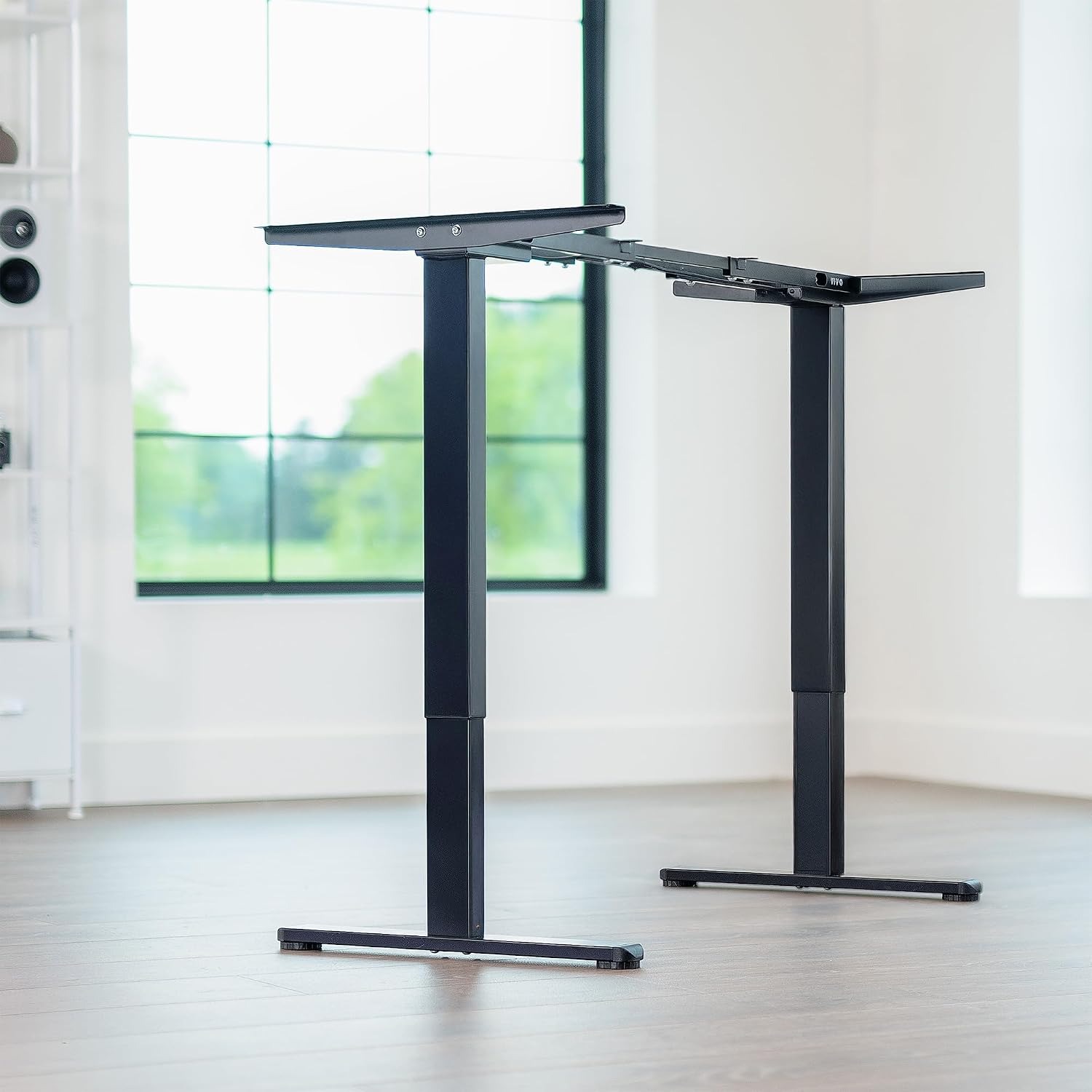
Inside each leg of this frame is a telescopic column made of two steel sections, hence the "2 stage" description. A small motor sits hidden inside the column and drives a lead screw. When you press the up button, both motors run together and the inner section slides out of the outer one, lifting the crossbar and whatever is bolted to it.
Two motors matter. Some cheaper frames use a single motor and a mechanical shaft running across the crossbar to turn both legs. That works, but the shaft adds noise, it adds a bar under the desk, and the leg furthest from the motor can lag. With one motor per leg the load is shared and the lift stays level. There is also nothing crossing the space under the desk, which is where your knees live.
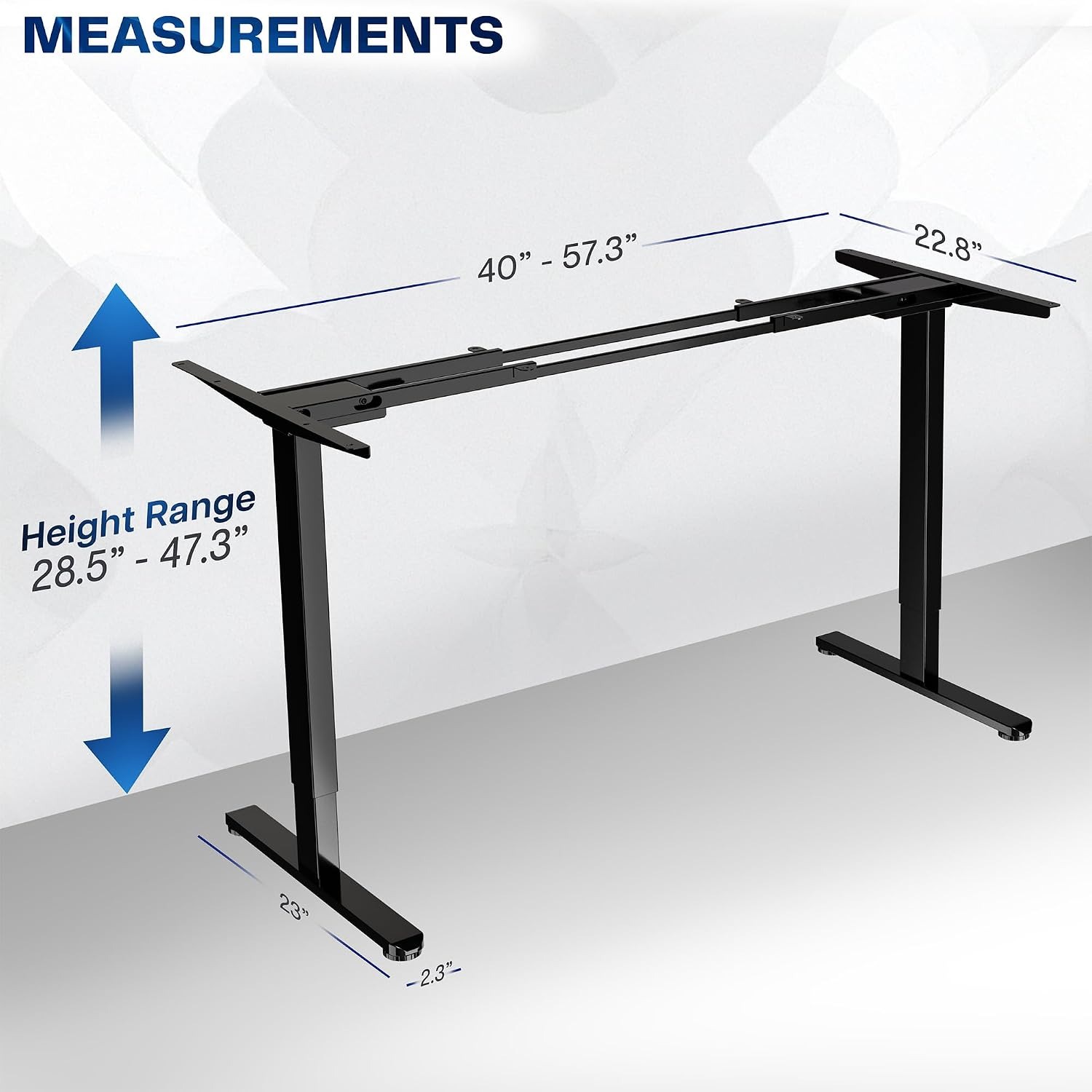
Lift speed here is about 2.5 cm per second, listed as 1 inch per second. From the lowest point of 72.4 cm (28.5 inches) to the maximum of 120.1 cm (47.3 inches) is a travel of roughly 48 cm, so a full run takes under half a minute. Your actual sit-to-stand change is usually much smaller than that, so in practice you are waiting a handful of seconds.
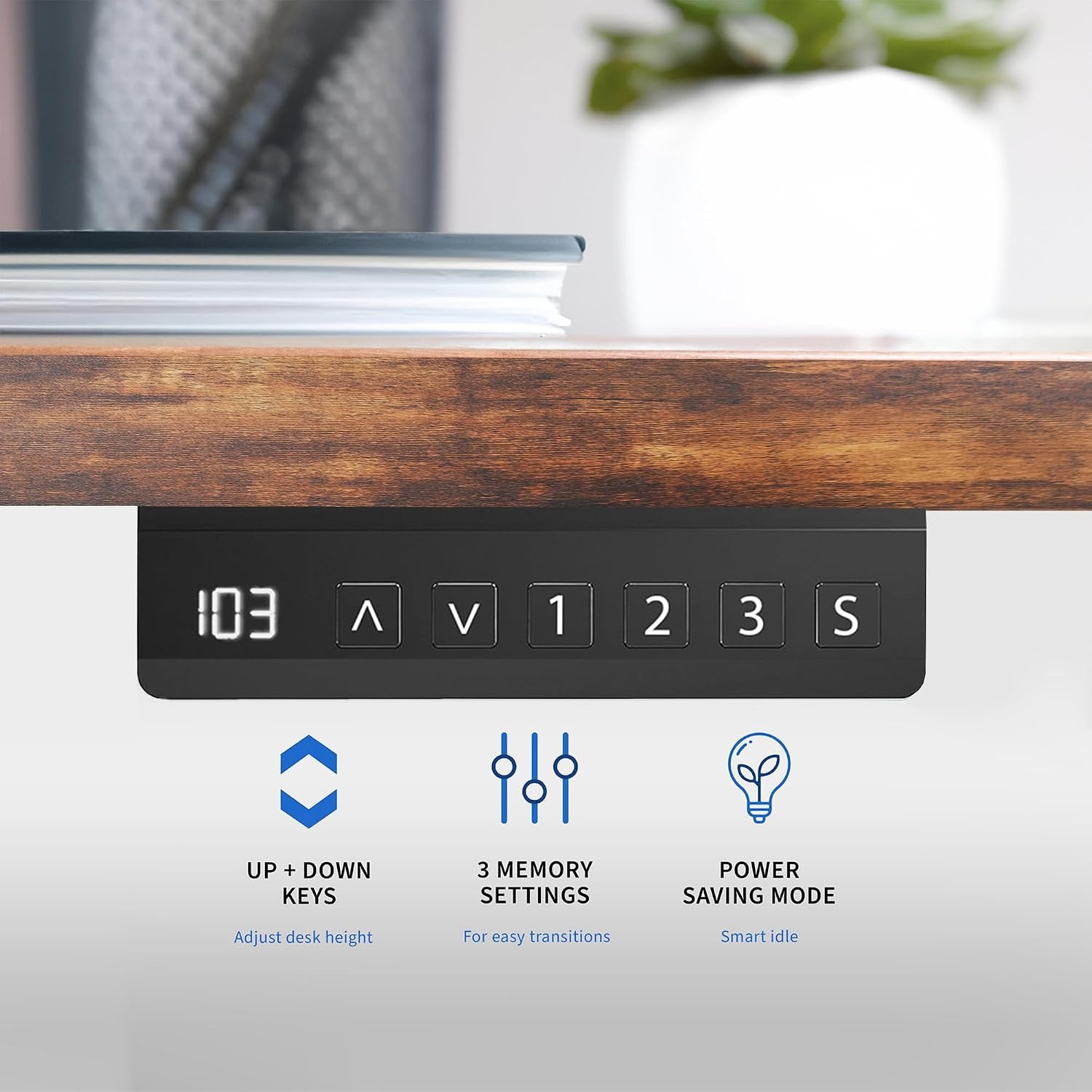
The controller is a simple push button panel with three memory slots. You find your heights once, store them, and from then on you press a button and walk away while the desk catches up. This sounds like a small convenience. It is not. The single biggest reason standing desks stop getting raised is friction in the process, and memory presets remove almost all of it.
Who this suits
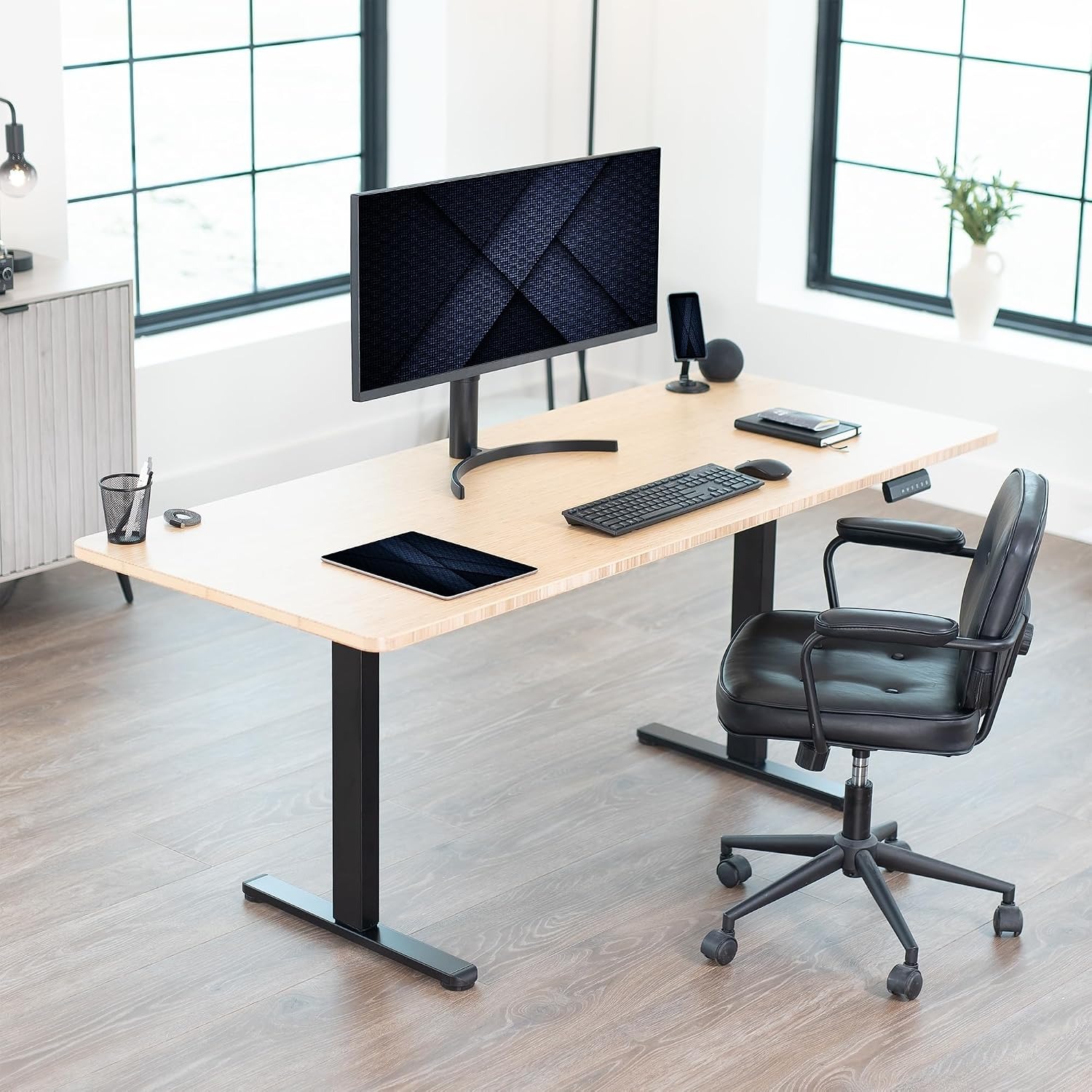
It suits anyone building a custom workstation. That might be someone fitting a desk into an alcove where no standard size works, someone who wants a 180 cm timber top for a dual monitor setup, or someone who already has a tabletop and just wants it to move.
It suits shared workspaces too. Two people of different heights can each have a preset, and swapping over takes a second. That is far more realistic than asking someone to re-adjust the desk by eye every morning.
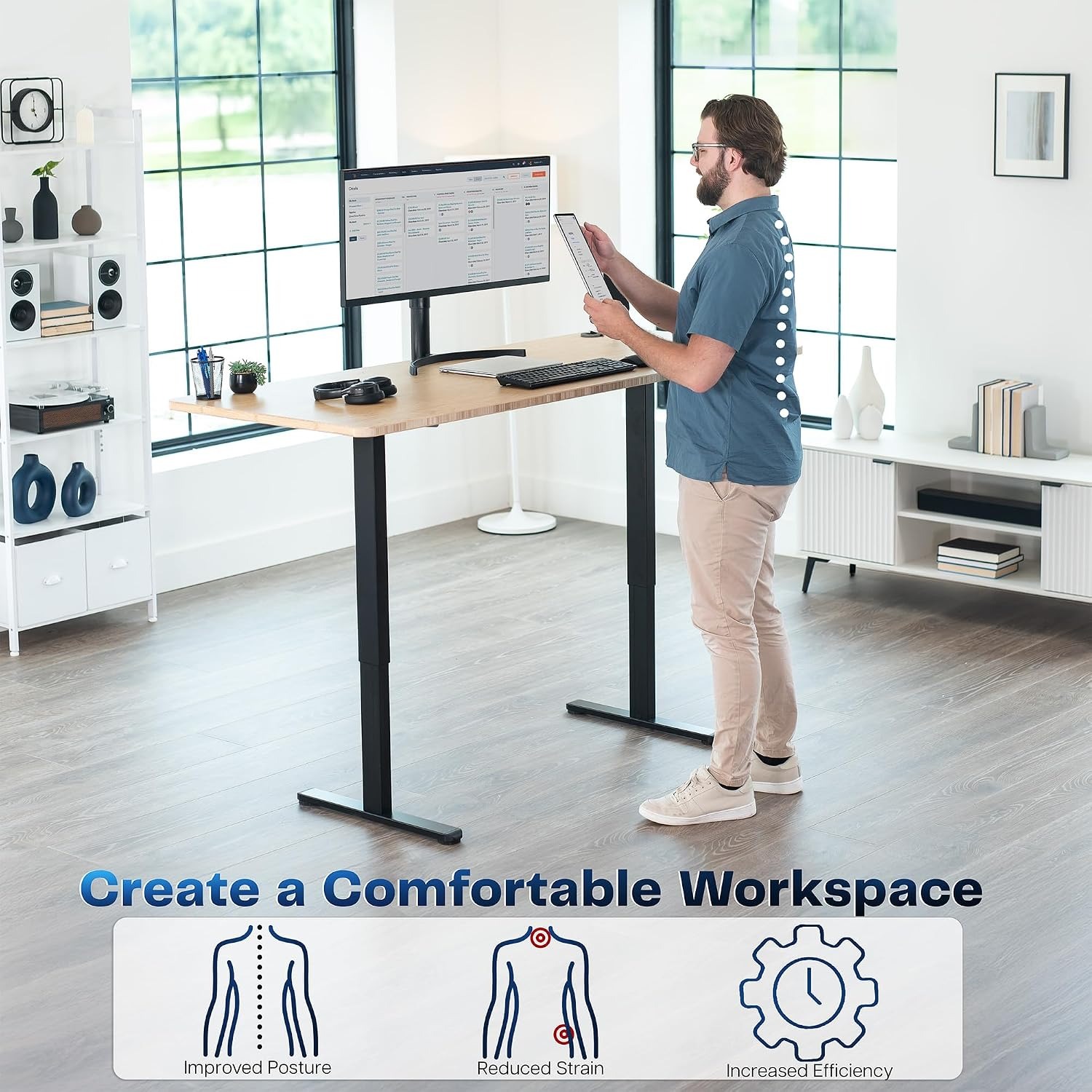
It suits people who are serious about splitting their day between sitting and standing. The best sit stand desk base is the one you actually use, and that comes down to speed and repeatability more than any spec on paper.
It is less suited to very heavy industrial loads. The maximum weight recommendation is 99.79 kg with the frame connected to power, and that figure includes your tabletop. A thick hardwood slab can easily take 30 kg of that allowance, so do the arithmetic before you load up heavy gear.
Matching a tabletop to the frame
This is the part people get wrong, so take a minute over it.
The frame adjusts in length from 101.6 cm (40 inches) to 145.5 cm (57.3 inches). The recommended tabletop sizes are wider than that, 101.6 cm (40 inches) up to 195.6 cm (77 inches) long, because the frame does not need to span the full length of the top. A longer top simply overhangs at each end, which is fine as long as you do not plan to put heavy weight out on the overhang.
Depth should fall between 58.4 cm (23 inches) and 109.2 cm (43 inches). Anything shallower than about 60 cm starts to feel cramped once a monitor is on it.
Thickness is 1.9 cm (0.75 inches) or greater. This is a hard minimum, not a suggestion. The mounting screws need enough material to grip, and a thin top will flex in the middle no matter how good the frame is. If you are buying new, solid timber, bamboo or a good quality laminate at 2.5 cm will serve you well for years.
One more detail that catches people out. Your tabletop thickness adds to the stated height range. If the frame tops out at 120.1 cm and your slab is 3 cm thick, your working surface sits at 123.1 cm at full extension. For most adults that is plenty of standing height, but if you are tall it is worth checking against your elbow height before you commit.
Assembly, honestly
Two people are the recommended number, and that recommendation is sensible. The individual parts are not heavy, the frame is only 14.7 kg in total, but the awkward moment comes when you need to flip the assembled frame and tabletop the right way up. Doing that alone with a solid wood top is how finishes get scratched and backs get strained.
The sequence is straightforward. Bolt the crossbar between the two leg assemblies, set the frame length to suit your top, lay your tabletop face down on a blanket, position the frame on it, mark and drill your pilot holes, then screw the frame down. Fit the control box and controller, connect the motor cables, plug in and run the desk through its full travel once before loading anything on it.
Check your screw length against your tabletop thickness. A screw that is 5 mm too long on a 19 mm top will break through the working surface, and there is no undoing that.
Living with it
Cable management is the one habit worth forming on day one. Every cable needs enough slack to reach full standing height, and that slack needs somewhere to live when the desk is down. A simple tray or a few clips on the crossbar sorts it. Bundle the cables loosely so they move as a group rather than snagging individually.
Set the levelling feet once the desk is in position and loaded. Floors are rarely flat, especially older timber ones, and a quarter turn on one foot usually kills a rock that would otherwise annoy you daily.
Beyond that, there is almost nothing to do. Wipe the powder coated steel with a damp cloth when it needs it, keep liquids away from the control box, and run a hand over the bolted joints every few months to make sure nothing has worked loose. The manufacturer warranty is listed as three years, so hold on to your purchase record.
A note on actually using the standing part
Buying the frame is the easy bit. Building the habit takes a little planning. Most people who stick with it do not stand all day. They stand in blocks, often tied to a particular task, like calls, email, or reading. Sitting for focused writing and standing for everything else is a common pattern and an easy one to maintain.
An anti-fatigue mat makes a bigger difference than people expect, especially on hard floors. And if your standing preset feels right in the first hour but wrong in the third, lower it by a centimetre and try again. Small adjustments matter more than getting it perfect first time.
The short version
This is the lifting part of a standing desk, sold on its own so you can choose your own surface. Dual hidden motors, two-stage alloy steel columns, a height range of 72.4 cm to 120.1 cm, a 99.79 kg load rating when powered, and a three-preset memory controller. It weighs 14.7 kg, it needs a tabletop at least 1.9 cm thick, and two people make assembly much easier.
If you already have a top you like, or you want a desk that fits a space no catalogue desk will fill, this is the sensible route. Measure your tabletop first, check it falls inside the recommended range, and the rest is a bolt-together afternoon.